An old LinkedIn Post - Building an LMS platform with Nuxt and PostgreSQL
Kyle Austad
2026-09-20
Disclaimer: This post is old, I would probably change just about everything in it lol. I'm using it as the first post on my blog to test how everything is working and looking but hind-sight is 20/20
My brother's new pest control company needed a better way to train new hires and sales reps, with granular tags and expansive data. So I made one that wouldn't cost a startup company an arm and a leg for an enterprise LMS system. Created using Supabase for the backend, utilizing their authentication, Postgres for the database and emails for inviting users, resetting passwords and such. For the frontend, I used a combination of Nuxt 3 and Tailwind CSS.
Front End
The app needed to be easy to use from the front end, so boiled down to its simplest elements it is rather rudimentary. Nuxt was an easy choice as its easy to implement SSR or Hybrid rendering in combination with server-side API routes made controlling data flow and hydration a breeze.
The entire application is created using Primevue components, custom SFC's, and Tailwind CSS. With strong primary color branding and a glassy modern look. Conditional rendering was important as each user's experience can differ based on the courses they are enrolled in. The front end queries tables from Supabase (which are secured with RLS) to retrieve the active users course progress, enrolled courses, lesson and course completions and will dynamically populate their homescreen with the latest enrollments.
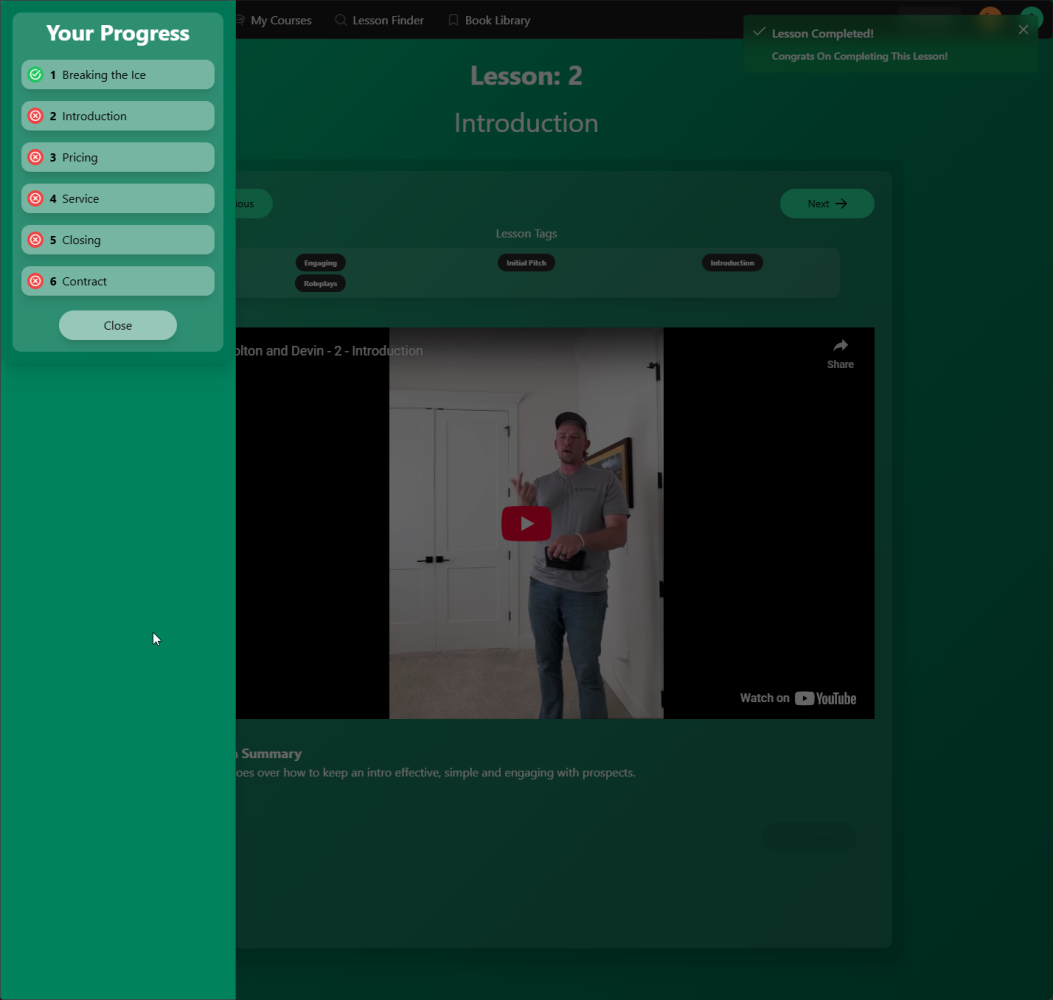
The actual video lessons were implemented using YouTubes iFrame API with URL parsing to retrieve the video ID which then renders the iFrame on the course page based on the active lesson. Video lessons have to be entirely watched and the system will then auto-complete the lesson and move them to the next one once the video is finished. For text lessons the user has to click the complete button.
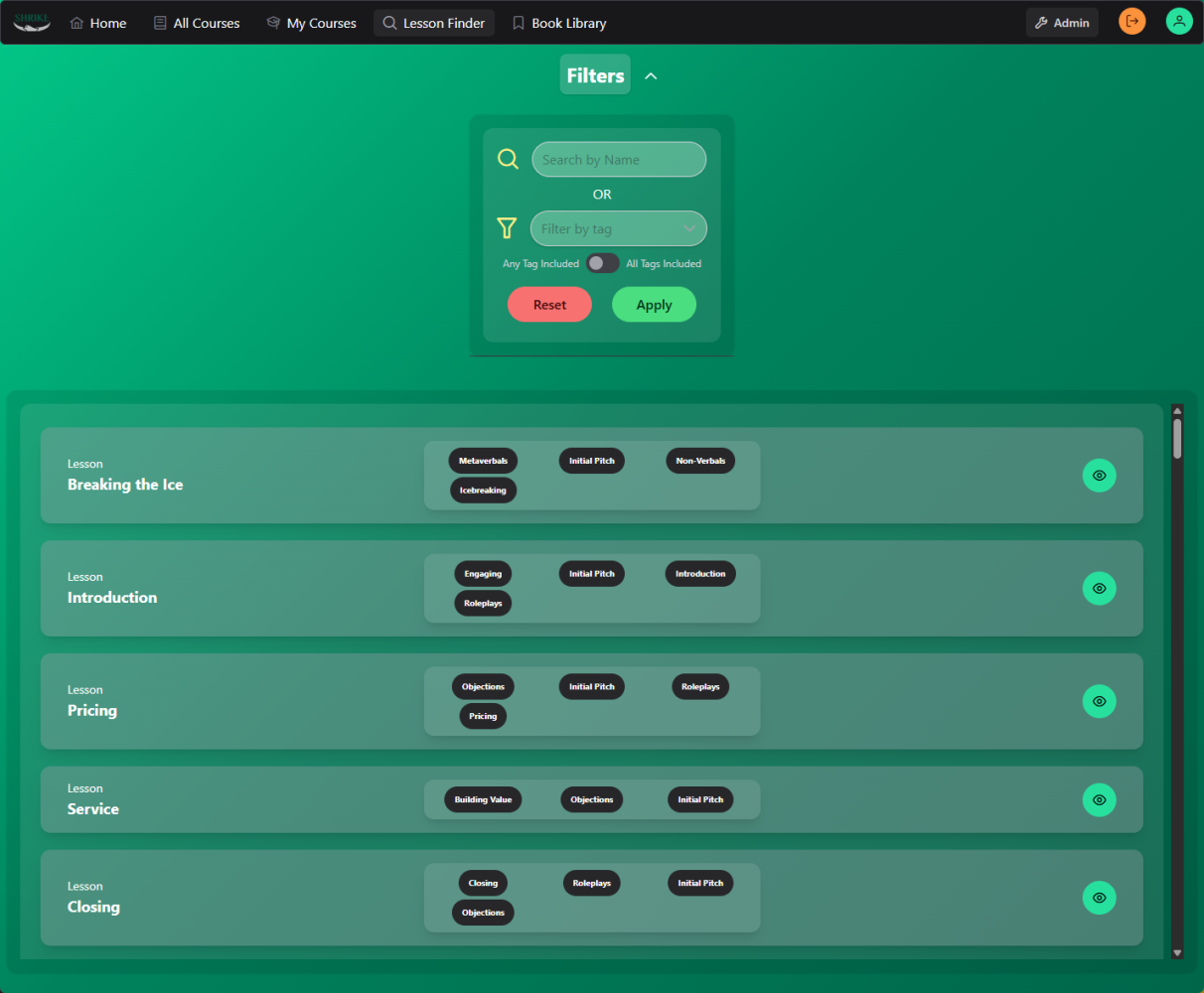
Standard LMS features are implemented on the front end such as course progress, lesson completion tracking, and finding and enrolling in new courses. Users are also able to find lessons specific to any tag or topic they wish and watch or read them a-la-carte from any enrollment, making quick and tailored learning a breeze.
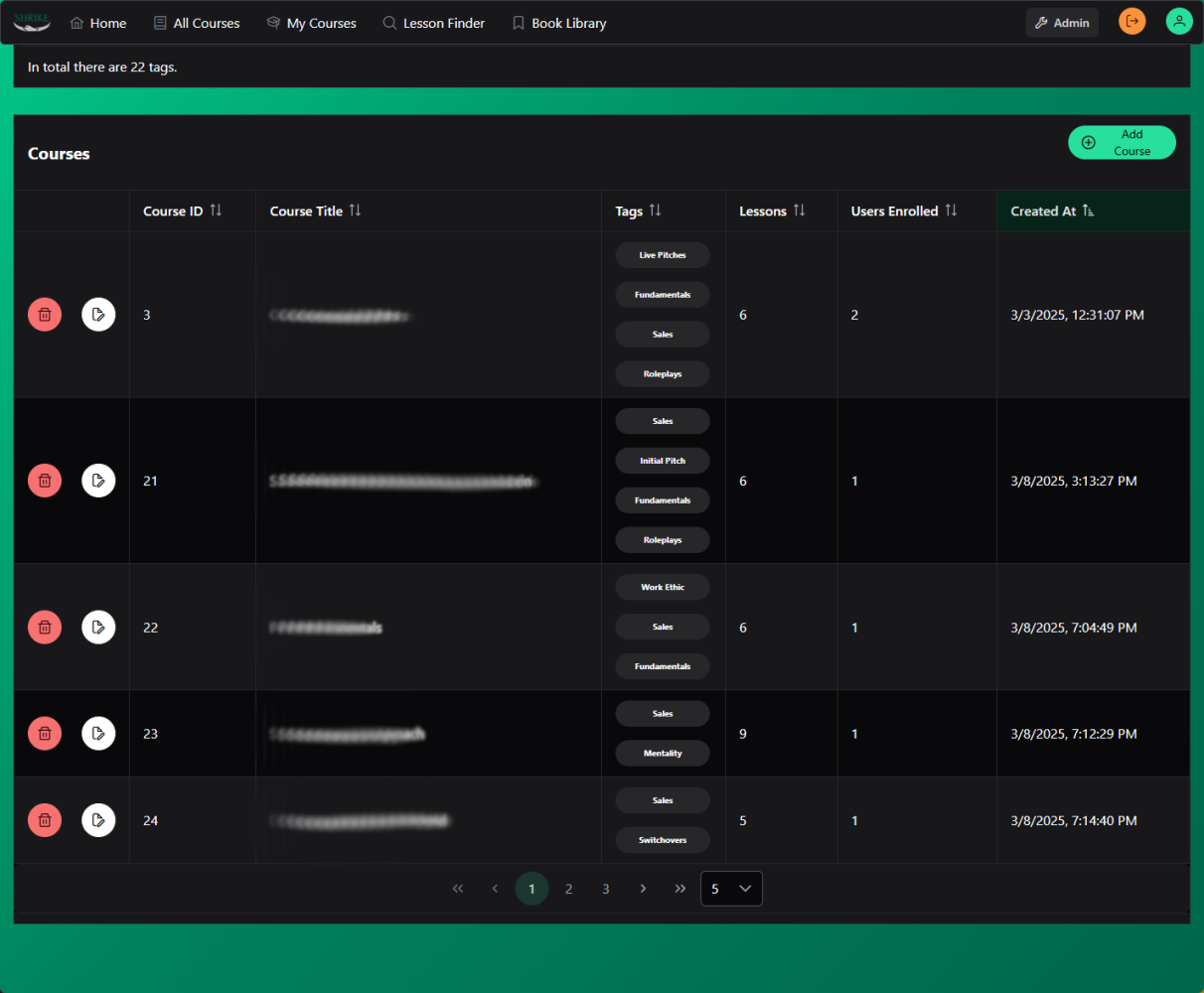
An Admin page was important so myself and other admins can easily manage users, tags, courses and lessons. All of those are pulled from Supabase's applicable tables and populated in datatables on the admin page with applicable edit and add abilities. The data can also easily be exported in CSV format for easier exploration. Stats tracked include user's last logins, number of courses enrolled and completed and total lessons completed, as well as many more.
Back End
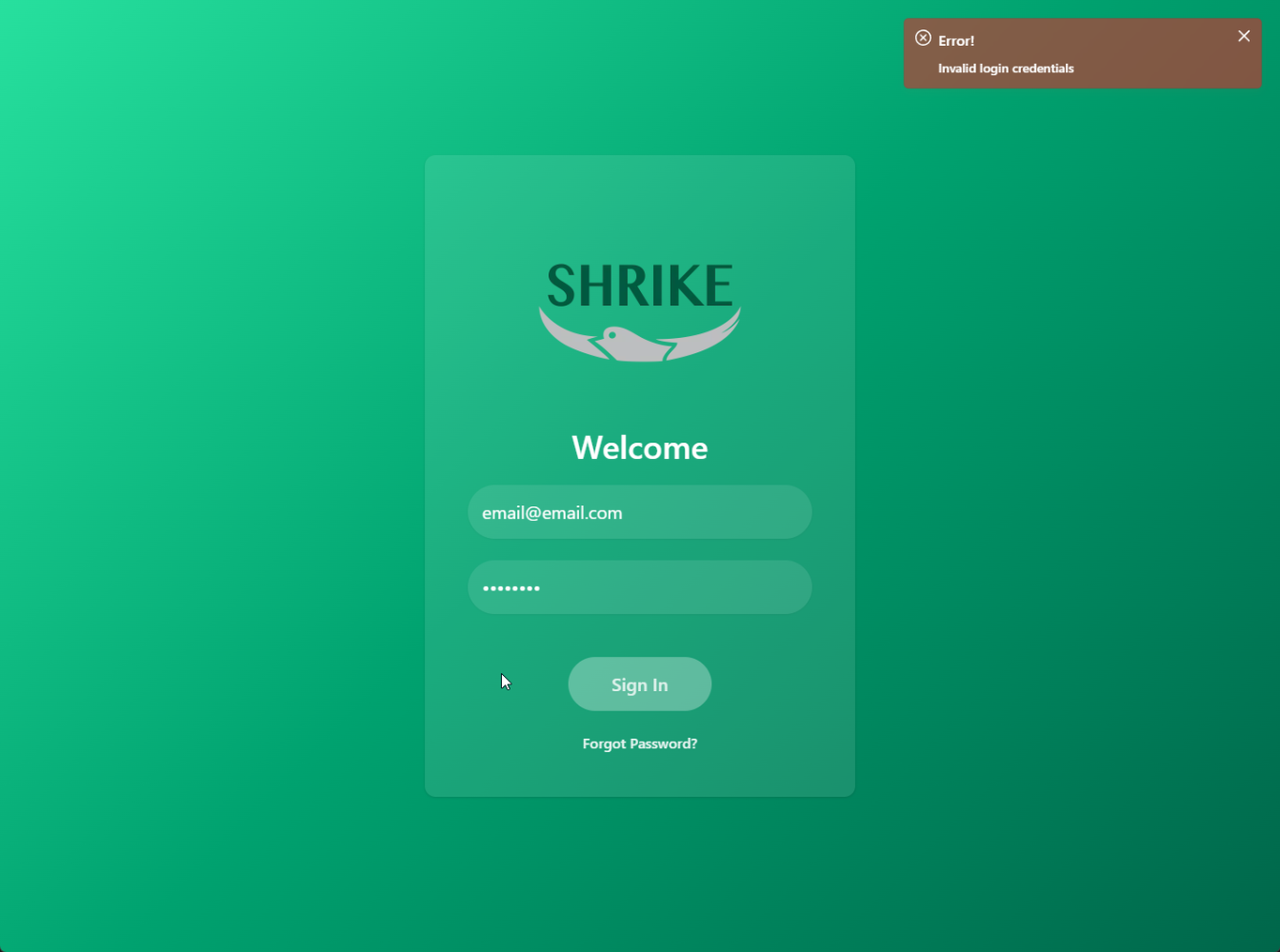
The backend was created using Supabase, and how I did not find Supabase sooner is amazing. Authentication was done using email and password and handled entirely by the Nuxt Supabase module. All tables in the DB use Row Level Security (RLS) for a secure experience. I created tables with applicable foreign key relationships for things such as courses, lessons, course and lesson tags, user profiles, user enrollments, and user lesson completions.
A user Profiles table is used to assign an enum 'role' to the user ranging from 'user', 'manager' and 'admin'. This is used for granular permission control and for future expansion into role specific learning and course assignment. API routes in Nuxt were used for any sensitive admin controls such as deleting users and courses using RPCs in Supabase.
Deployment
Deployment was straightforward enough. I chose to use Docker as I already have a self hosted UnRaid server with the necessary domains and reverse proxies set up to handle all this. Traffic is proxied through Cloudflare for added abstraction as well as API route protection, caching, and general security improvements. While the Supabase backend stores all the data, actual files such as logos and course thumbnails are all stored on the UnRaid server to preserve storage quotas on Supabase. Finally the app needed to be easily installable as a PWA, 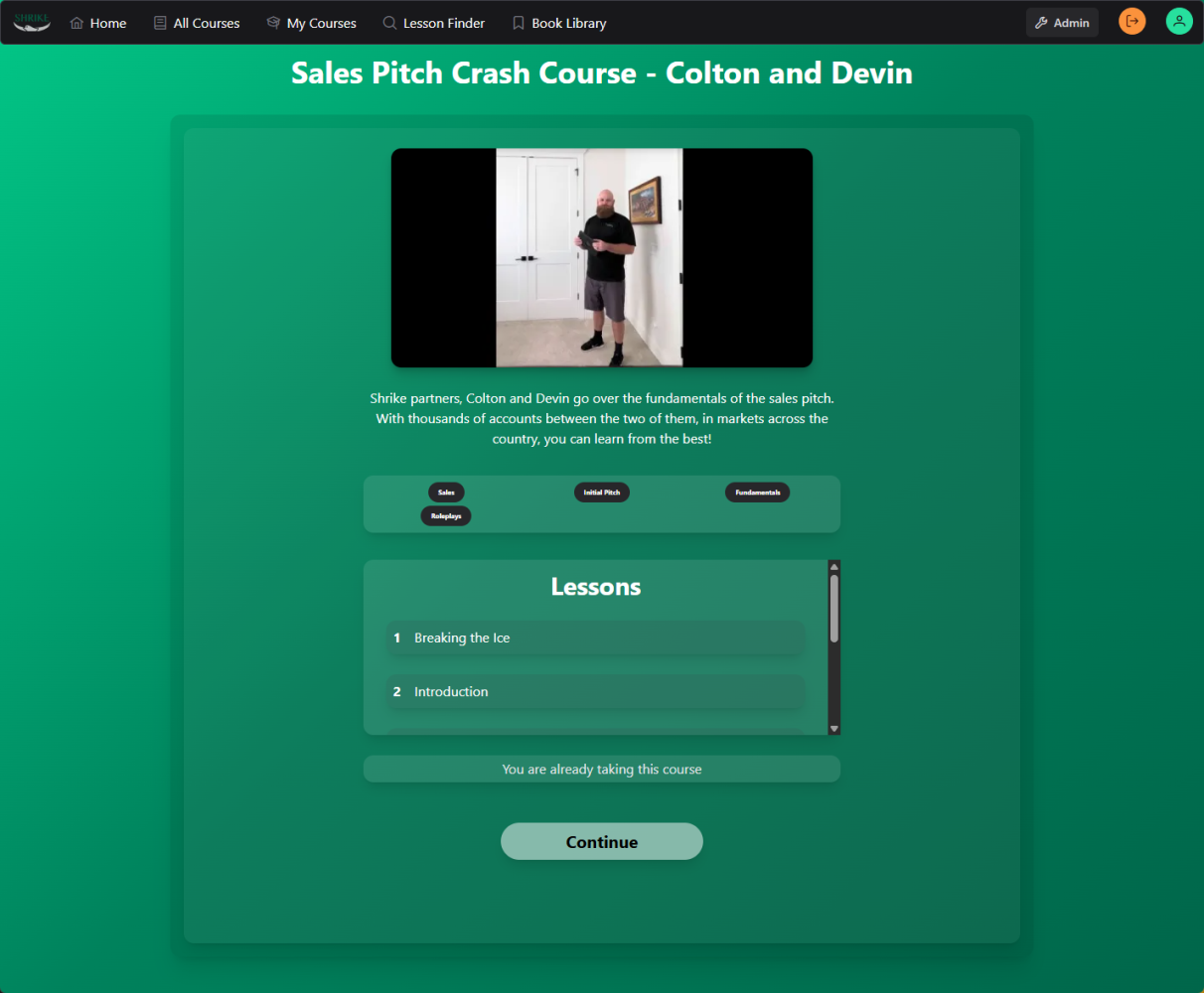 So using the Vite-PWA plugin, I generated the necessary files and added an Install button for Android users. I have no idea why Apple doesn't let PWA install buttons work so the button is platform (user agent) dependent, however the app can be installed on iOS manually.
Finally testing my Lighthouse score on the All Courses page, which is the most media heavy, resulted in an 80 on Performance and 100 Best practices. All media is served in modern formats such as webp and most of the performance detraction was from media loading from the UnRaid server itself. Also the Cumulative Layout Shift was a mere 0.007. So all-in-all I was happy with these results.
Conclusion
I learned a lot from this project and it has some of my highest code quality and security practices yet as well as a beautiful User Interface with excellent toast based error and success handling.